29 visualizers, each with 2 modes
Plenty of visualizer styles to choose from, each adapts to the sounds playing or to the surrounding sound - if you want it to.
Press z to toggle 2nd mode.


This is a desktop (MacOS + Windows 10/11 app).
Share yourself the link to this website to remind yourself to download the app!
Plenty of visualizer styles to choose from, each adapts to the sounds playing or to the surrounding sound - if you want it to.
Press z to toggle 2nd mode.

Play music from Spotify, YouTube, mp3s or any website / app on your desktop or switch to microphone mode to allow the visualizer to react to surrounding sounds - USB/Bluetooth mic needed (or headphones with mic on them).

Save the video as MP4, and share it wherever you want: Instagram, YouTube, Facebook and more!**
* Video length is currently limited to 15 minutes** You have to upload the video yourself, the app only saves it in a format compatible with popular social networks

One at a time or more, they modify the visuals that are running. You can also press + and - to adjust sensitivity.

Add your logo or text to personalize your visualizers.

 Frosted Waves
 Signal
 Waveform
 Mesh
 Space
 Tunnel
 Wired
 Mars Quake
 Ring
 Blue Dots
 Ocean Waves
 Foggy Mesh
 Dimension Glitch
 Occult
 Retro TV
 Trip
 ASCII World
 Turntable
 Squared
 Glitch
 Zen
 Burst
 Monolith
 Kaleidoscope
 Dot dot dot
 Pink Core
 Aurora Flow
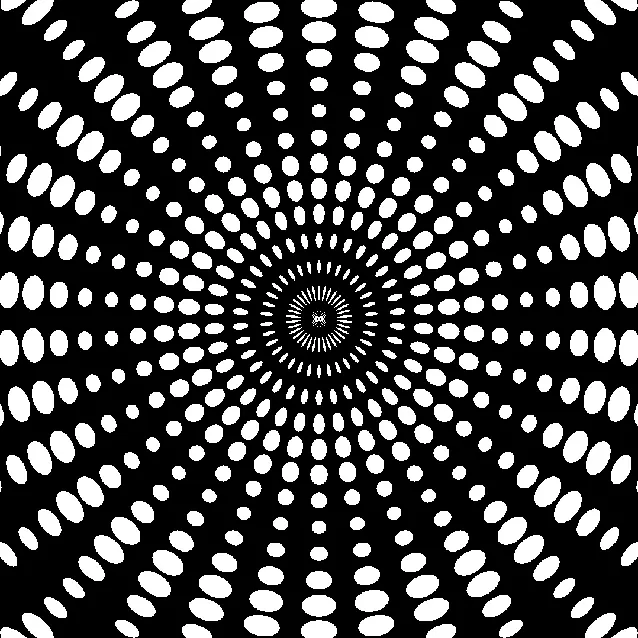 Halftone Pulse
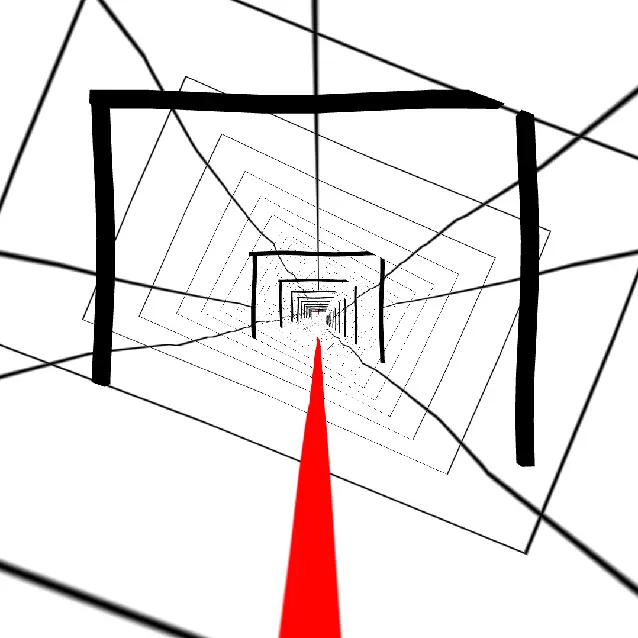 Infinite Doors
* press z key to change visualizer modes in the app
Press b n m , . for modifiers
More visualizers will be added soon - for free!
This is a desktop (MacOS + Windows 10/11 app).
Share yourself the link to this website to remind yourself to download the app!
Yes, the visualizer works with any audio source - either a streaming service, mp3s or any sound source that is internally playing on your desktop computer or externally, if you change the input source to a microphone.
Esc to open the menu, then click sound source and click the dropdown to change between internal and microphone then you can select which microphone you want - but choose a physical one, not a virtual one.
Shift+a and the app remains on top. You can scale it and move it to a corner if you're streaming or busy with something else.
The app detects sound levels (as a series of numeric values from 0 to 256) and those values are then transformed into visual moving graphics. There's no recording involved in the process. And if you change the input source to a microphone, it's the same - the app detects the sound levels, it doesn't need to record sounds to show the graphics.
Yes, each visualizer has two modes/styles. Toggle between modes by pressing the Z key inside the app.
The app runs on Windows 10, Windows 11 and macOS. The app will run on any device, but it being a resource heavy app, you need a more performant desktop. See details in the store.
Yes! Download it in the download section!
No, no recording is being done. See 1st question - how it works. The app DOES use the microphone if you set the source to microphone mode in settings. But even then, it does not record sound, it only detects levels as numeric values.
However, record mode does record the internal audio along with the visualizer and includes it in the exported video. The recording is saved locally only, for your use.
I wish it were free, but - no, unfortunately it can't be, since there are development and distribution costs.
I can certainly look into it, and if it's something that can be done performantly and results in something visually appealing, I might include it in future updates. Contact me with your ideas.
We can talk about it. Contact me with your ideas.
Not at this point, and there's no plan to develop one, since most people enjoy music on their phones without wanting to look at the screen.
Please see the support section or join Discord for support.